
Patch Notes v1.1.0.0
Thank you for playing Knights of Fiona!
Update v1.1.0 went live on October 20, 2026 at 18:00 (JST).
Platforms
Meta Quest 3 / Meta Quest 3S
SteamVR
Release Notes
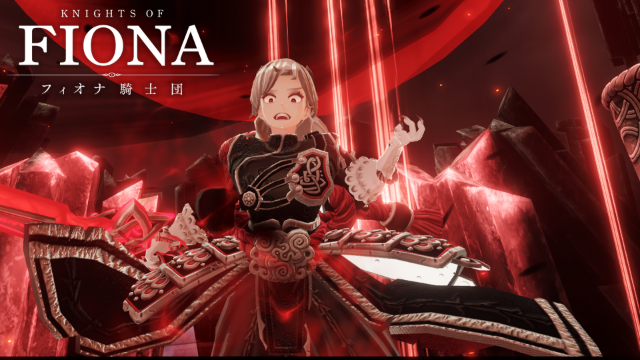
Chapter 6, "Knights of Fiona," is now available!
The level cap has been raised to 50.
Improvements
You can now choose how to grab items: "Hold" (grab only while the button is held) or "Toggle" (press once to grab, press again to release). You can change this in the Settings menu.
Bug Fixes
Greatly reduced an issue where English voice lines would cut out during playback.
Fixed an issue where enemy attacks could occasionally pass through walls and pillars.
Fixed an issue where cone-shaped area attacks were sometimes calculated as a spherical area that didn't match their visuals.
Fixed an issue on several enemy skills where the color of the attack telegraph (Blockable / Parryable / Unblockable) didn't match how the attack actually behaved.
Fixed an issue where the Active Oaths "Creeping Frost," "Spiral of Malice," and "Healing Arts" failed to hit enemies.
Fixed an issue where equipping the Lore Glyph "Charisma" in the Combat Classroom caused the boss to freeze.
Fixed an issue where the NOW LOADING black screen could occasionally stay up after a story sequence was interrupted.
Fixed an issue where the list of lobby nameplate backgrounds and titles only displayed up to 20 entries.
Fixed an issue where the Trade Table occasionally became unusable.
Known Issues
For a list of the major issues we are currently aware of, please see the Known Issues List.
We will provide updates through future patch notes and announcements as fixes become available.
How to Update
Meta Quest
Check the Meta Quest Store or Library to see if an update is available for Knights of Fiona.
Install the update and launch the game. If necessary, fully close and restart the app.
SteamVR
Launch Steam and check your Library to make sure the update has finished downloading.
Restart the Steam client or the game, then launch Knights of Fiona.
We’ll continue working to improve and refine the experience for all players.
We hope you continue to enjoy your adventures in Knights of Fiona!